
An efficient, repeatable way to get images safely from card to your devices. [Article courtesy of Lexar]
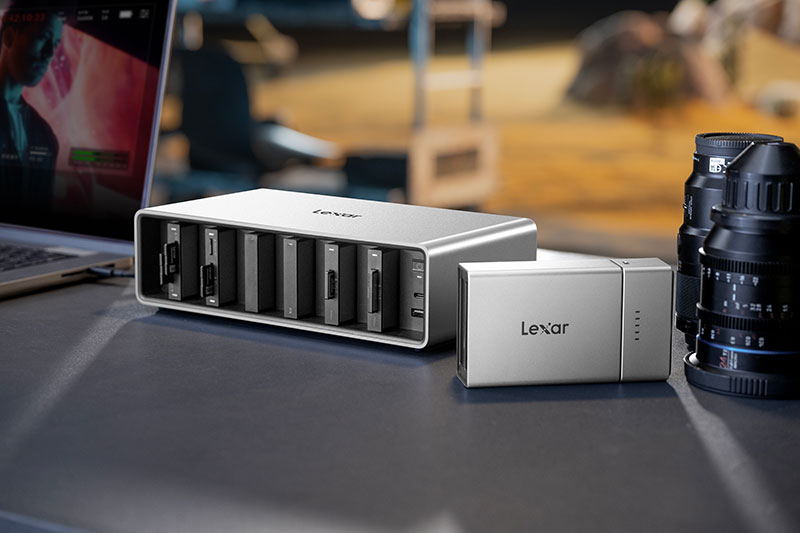
If you shoot sports, events, weddings, or commercial work, you probably finish a job with a bag full of cards and a desk full of cables and card readers. Files crawl across one card at a time, and every new camera body seems to need another reader. The Lexar Professional Workflow Docking Station is designed to give content professionals and power users, one clean, repeatable way to get images safely from card to your devices.
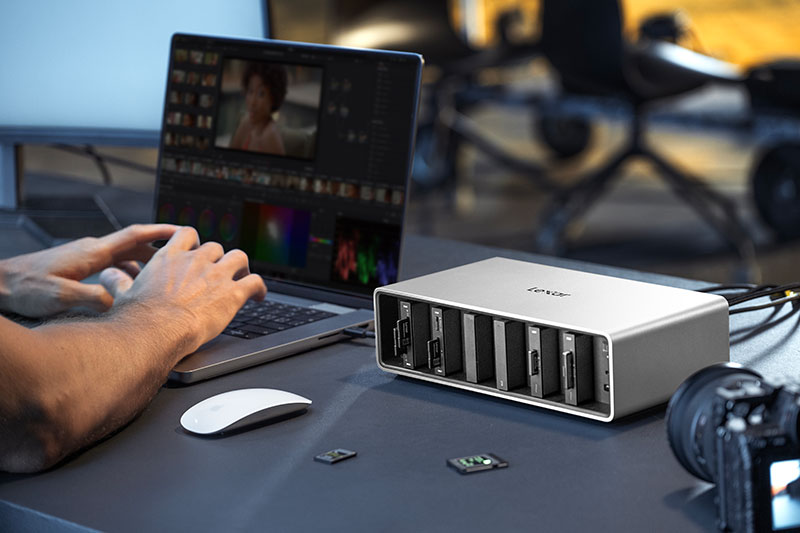
At the heart of the system are two hubs. The Lexar Professional Workflow Docking Station is a six-bay Thunderbolt 4 desktop hub that lives on your studio desk. You can slot in the modules you need—CFexpress 4.0 Type B, CFexpress 4.0 Type A, SD/microSD UHS-II, Dual SD UHS-II readers or even Portable SSD modules, then offload from several cards at once instead of queueing them. This can turn an hour of waiting into a few minutes of work, especially if you shoot high-resolution RAW or 8K video.
For location work, the compact Lexar Professional Workflow Go gives you a more mobile option. It uses the same reader and SSD modules but adds a detachable battery and smartphone control via USB-C. That means you can back up cards in the field without opening a laptop, which is useful for travel, outdoor, or destination assignments where power and space are limited.
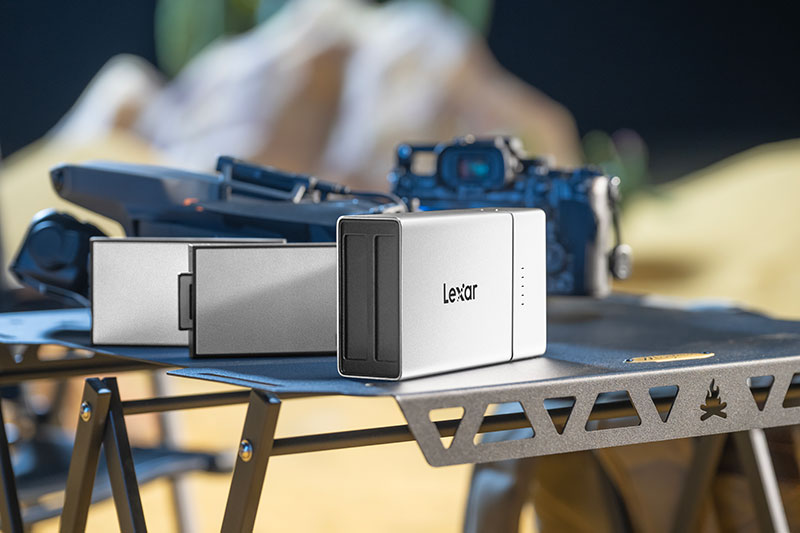
The real advantage for photographers is that the whole system is modular. As your kit changes from SD to CFexpress, or from stills to more demanding video, you swap or add modules instead of replacing the whole setup. You can also pull out a single reader or Portable SSD and plug it straight into a laptop or phone when you want to travel light.
Lexar Professional Workflow Portable SSD modules complete the workflow by turning the dock into both an ingest and working-storage solution. With fast read and write speeds of 2000MB/s, available in 2TB and 4TB, and rugged design, they work well as active working drives for current projects. You can offload a shoot to a Portable SSD in the dock, carry it to your editing machine, then move finished jobs to long-term storage later. This separates “today’s work” from your archive and helps keep your main drives clear and responsive.
In shared studios, the dock can act as a central ingest station. Each photographer brings their own readers and SSDs, plugs into a free bay, offloads, then leaves with their own media. This reduces clutter, avoids mix-ups, and gives teams one simple process for bringing files into their editing and backup systems.
For anyone who regularly handles large numbers of files, the result is less time waiting for transfers, fewer loose cables and readers, and a workflow that can grow with your cameras instead of holding them back.